How Can a Password Manager Protect Your Accounts?
Quick answer
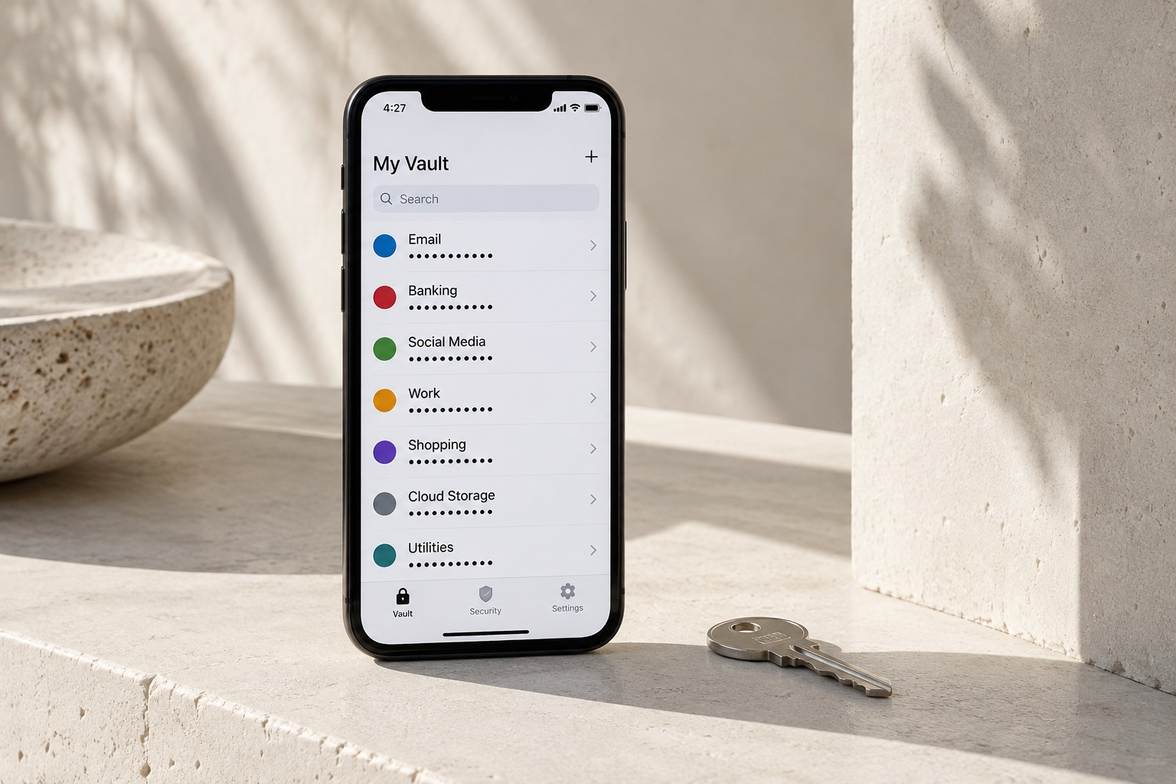
A password manager generates and stores different strong passwords for your accounts, reducing password reuse. Protect the manager itself with a strong master password and supported multifactor authentication.
Step-by-Step
Set up a protected vault
Choose a reputable manager and follow its account protection and recovery instructions.
Replace reused account passwords
Generate a different strong password for each account and save it securely.
Check your recovery options
Store recovery information safely and confirm how to regain vault access.
Quick Check
Two quick choices. A next step for you.
- 1Your situation
- 2A closer look
What are you facing right now?
What if I reuse the same password?
Where is the password reused?
What if I forget my master password?
Have you set up a recovery method?
Should I share my vault login?
What do you need to share?
How do I protect the manager itself?
What needs attention?
Your next step
Choose your situation to read the advice.
What if I reuse the same password?
On my primary email account
Start by replacing your primary email password with a unique one. Save it in your protected password manager as you go.
Across other accounts
Replace reused passwords with unique ones, beginning with your primary email if it is affected. Save each change in the protected manager.
What if I forget my master password?
Yes, I saved recovery information
Follow the manager’s official recovery instructions using your saved method. Recovery capabilities differ between services.
No, I have no recovery method
Check the manager’s official recovery instructions. Some encrypted vaults cannot be restored without a recovery method, so do not assume access can be recovered.
Should I share my vault login?
One specific account credential
Use the manager’s supported sharing feature for that credential when appropriate. Keep access limited to what the other person needs.
My entire password collection
Reconsider whether all credentials need sharing. Your main vault login exposes far more information; use supported sharing for individual credentials where appropriate.
How do I protect the manager itself?
My vault password is reused
Set a strong master password that you do not reuse on other accounts. Follow the manager’s instructions for protecting the vault.
Extra protection is not enabled
Review the manager’s supported multifactor authentication and recovery options. Enable suitable protection and store recovery information securely.
Common Mistakes
Using a weak master password
Your vault needs strong protection because it contains many account credentials.
Skipping the recovery setup
Without supported recovery methods, losing access may leave saved credentials unavailable.
Keeping reused passwords indefinitely
Storing a reused password does not remove the risk created by reuse.
Important Things to Know
A manager reduces common password problems but does not protect against every scam or compromised device.
Bottom Line
Give every account its own strong password. Secure the vault carefully, and understand recovery before you depend on it.
Next article