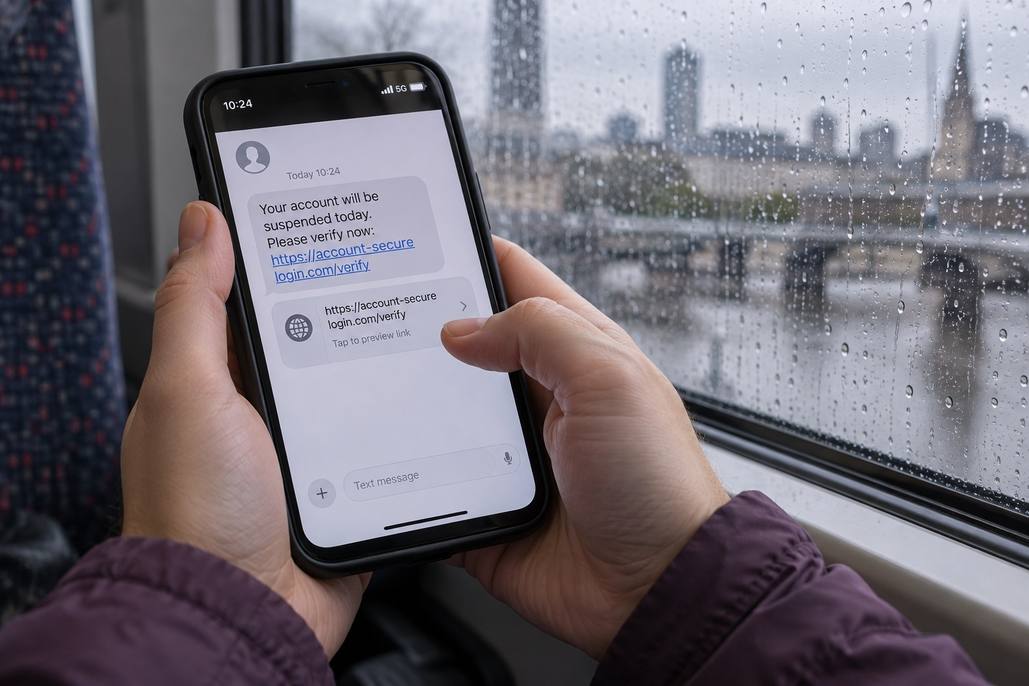
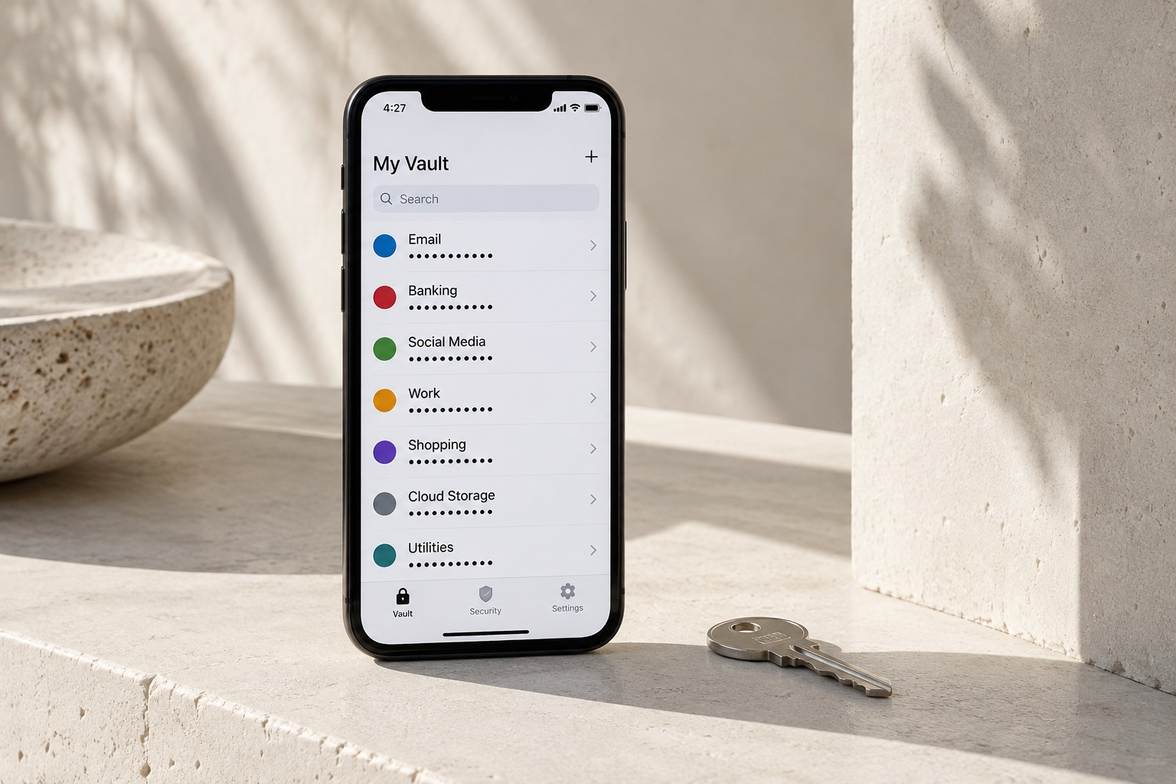
How Does Multifactor Authentication Make Signing In Safer?
Quick answer
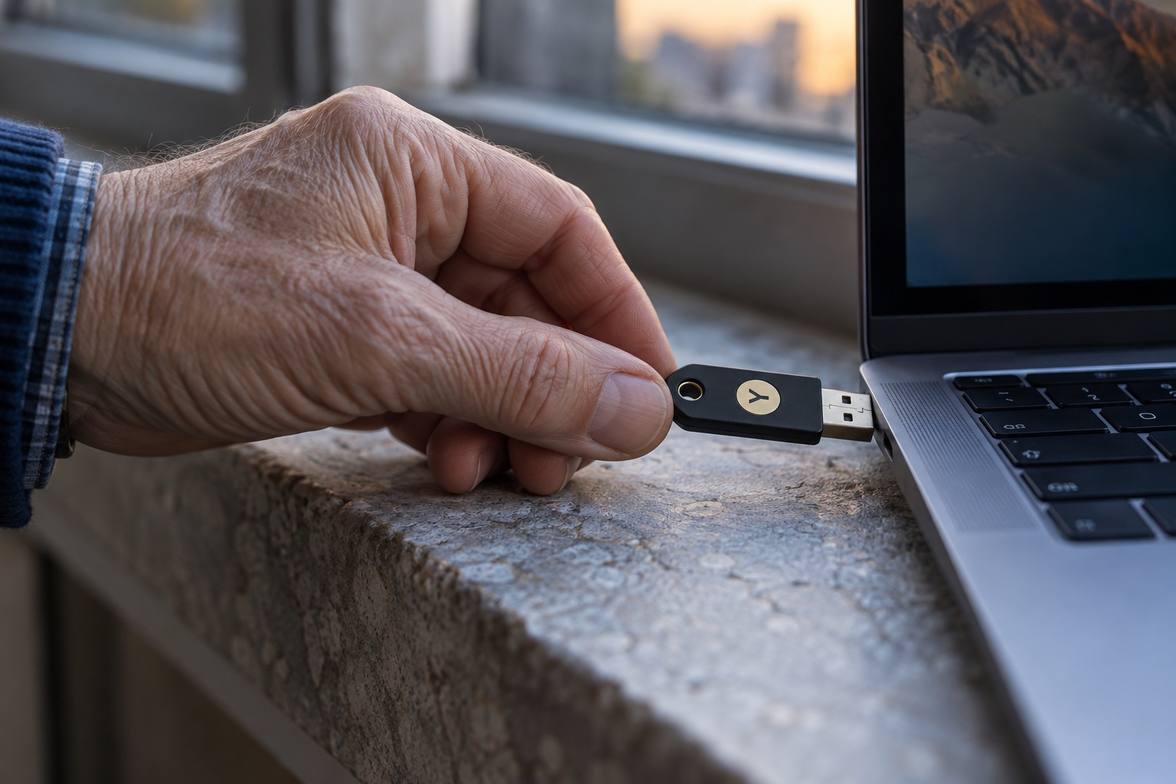
Multifactor authentication requires more than a password to sign in. An additional factor, such as a security key or authenticator, can block access when a password is stolen.
Step-by-Step
Your account checks initial credentials
You begin signing in using the method your account requires.
Another factor confirms your identity
The service requests an additional verification factor before granting access.
You approve only your own signins
Reject unexpected requests and investigate them through the service’s official security settings.
Quick Check
Two quick choices. A next step for you.
- 1Your situation
- 2A closer look
What are you facing right now?
Why did an unexpected approval request appear?
Did you request the sign-in?
What if I lose my authentication device?
Do you have a saved recovery method?
Which factor should I choose?
What does the service support?
How should I prepare for losing access?
What have you prepared?
Your next step
Choose your situation to read the advice.
Why did an unexpected approval request appear?
No, the request was unexpected
Reject the request. Open the service directly and review account activity, your password, and connected devices.
I cannot tell who requested it
Do not approve just to dismiss the alert. Open the service directly and check account activity before responding.
What if I lose my authentication device?
Yes, I kept recovery information
Use your saved recovery method through the official service. Do not share recovery codes with unsolicited contacts.
No, I cannot access a backup
Use the service’s official account recovery process. Avoid unsolicited contacts offering to recover access in exchange for your codes.
Which factor should I choose?
A security key or suitable passkey
Consider a supported phishing resistant method, such as a security key or suitable passkey. Follow the service’s setup and recovery guidance.
I am unsure which options exist
Check the service’s supported methods and recovery guidance. Prefer a supported phishing resistant option when available.
How should I prepare for losing access?
No recovery method yet
Follow the service’s official recovery setup instructions before relying on the extra factor. Store any recovery information securely.
Recovery details need checking
Review your recovery information through the service’s official security settings. Confirm you can find it if your usual authentication device becomes unavailable.
Common Mistakes
Approving prompts without checking
Unexpected approvals can allow someone else to finish signing into your account.
Saving recovery codes carelessly
Keep recovery codes somewhere protected and accessible if your device is unavailable.
Assuming every method resists phishing
Some authentication methods can still be intercepted through deceptive login pages.
Important Things to Know
Available methods differ between services. Check recovery options before removing an existing authentication device.
Bottom Line
Enable additional protection and approve only signins you started. Keep a secure recovery method ready before you need it.
Next article